Your git history, replayed as a city
Watch your repository grow — one commit at a time
gitropolis turns a full git history into a 3D city: files become buildings, folders become districts, and every merged pull request lights up construction in the colour of the work it did. Press play and watch years of development unfold in minutes.
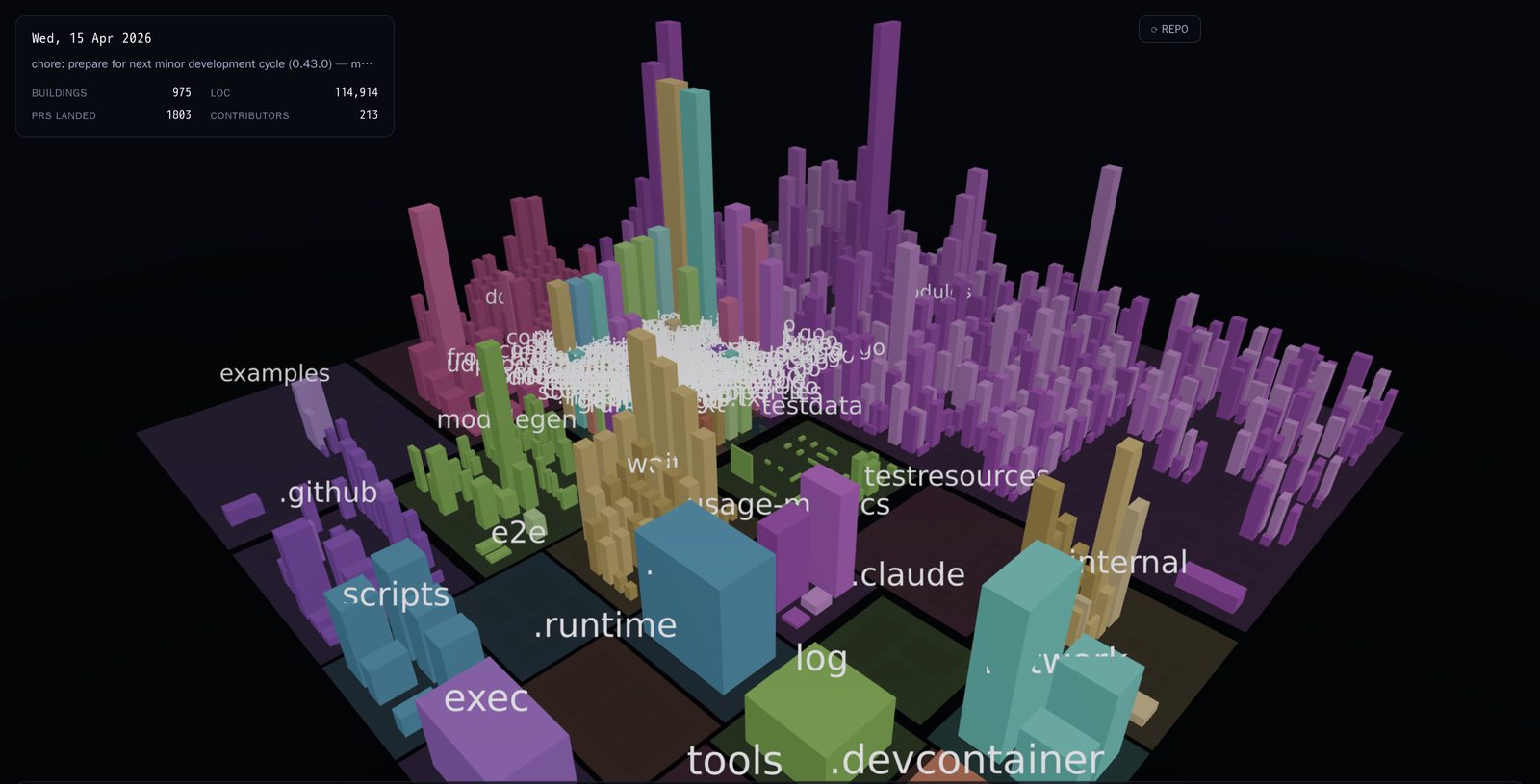
testcontainers/testcontainers-go, near the end of its history
How it works
From repo to city in three steps
Submit a public repo URL
Paste a github.com/owner/repo link below. No install, no auth beyond the repo being public.
We analyze its full history
Every commit is processed to reveal how the code evolved, transforming the repository into a visual city.
Press play and watch it grow
Scrub through time, speed up to ×30, and see construction land in colour as PRs merge.
How to read a city
Every building tells you something
Height — lines of code
Taller buildings hold more code, damped logarithmically so a 40-line file and a 1,200-line file both stay readable side by side.
Districts — top-level directories
Each top-level folder gets its own stable colour and ground plate, so the shape of the repository reads at a glance.
Construction colour — commit type
When a pull request lands, its buildings flash the colour of the conventional-commit type behind it; anything unrecognised falls back to a quiet neutral grey.
Recent cities
Recently added
Add a repository
Submit a public GitHub repo to create its city. Processing can take a few minutes depending on the repo's history — submit it and come back later, no need to wait here.